

Hidden Features on Your GMC Sierra 1500 Denali

Long gone are the days when a pickup truck was little more than a cargo bed with a drivetrain and minimal cabin to move it around. The GMC trucks you’ll find at Buick GMC of Rochester are amazingly sophisticated machines. And when you get to the Denali range, there may be more features than you can keep track of, but will enjoy them if you know about them.
Super Cruise Dos and Don’ts
Super Cruise has been frequently described as the best self-driving technology currently available. When engaged, Super Cruise you can take your hands off the wheel and feet off the pedals as the car heads down the highway. It will even change lanes on its own. It is important to remember that SuperCruise works only on roads that have been mapped and entered into the database by GM. Fortunately, that is close to 400,000 miles of road at this point.
To activate Super Cruise, engage your adaptive cruise control to set a desired cruising speed. When that is done, push the steering wheel button on the left spoke that has a steering wheel on it and Super Cruise will begin to activate. The light on top of the steering wheel rim will turn blue to determine if the road is mapped. If so, the light will turn green and you can release both your hands and feet from their controls. But you should not remove your eyes from the road. There may be things you can spot but the system might not, such as tire retreads on a dark road or other hard-to-spot debris. You will also need to regain steering control in the following situations:
- Encountering unusual traffic situations or objects
- Merging into traffic
- Exiting the highway
- Making a turn or stop for crossing traffic or a traffic light, stop sign, or other traffic control device
- Entering a construction zone
- Any time there are several pedestrians in the area

Locked and Lighted
If you have the MultiPro Tailgate, we’re sure you already know, and how to configure its cab step, load step, seat, and desk modes. You might not know that with the keyfob of your person, you can lock the multi-pro tailgate by holding down the top button until the tail lights blink. Then repeat the same process to unlock.
What may look like turn signal repeaters on the very front of the side view mirrors are actually very bright LED spotlights. Among your light controls is a button that looks like a light angled downward that activates them. A separate button that shows a profile of the truck with a light shining down on the bed, will turn on lights around the cargo bed, and another that shines down on the trailer hitch location. These lights only activate when the truck is in Park.
Configure Your Information Display
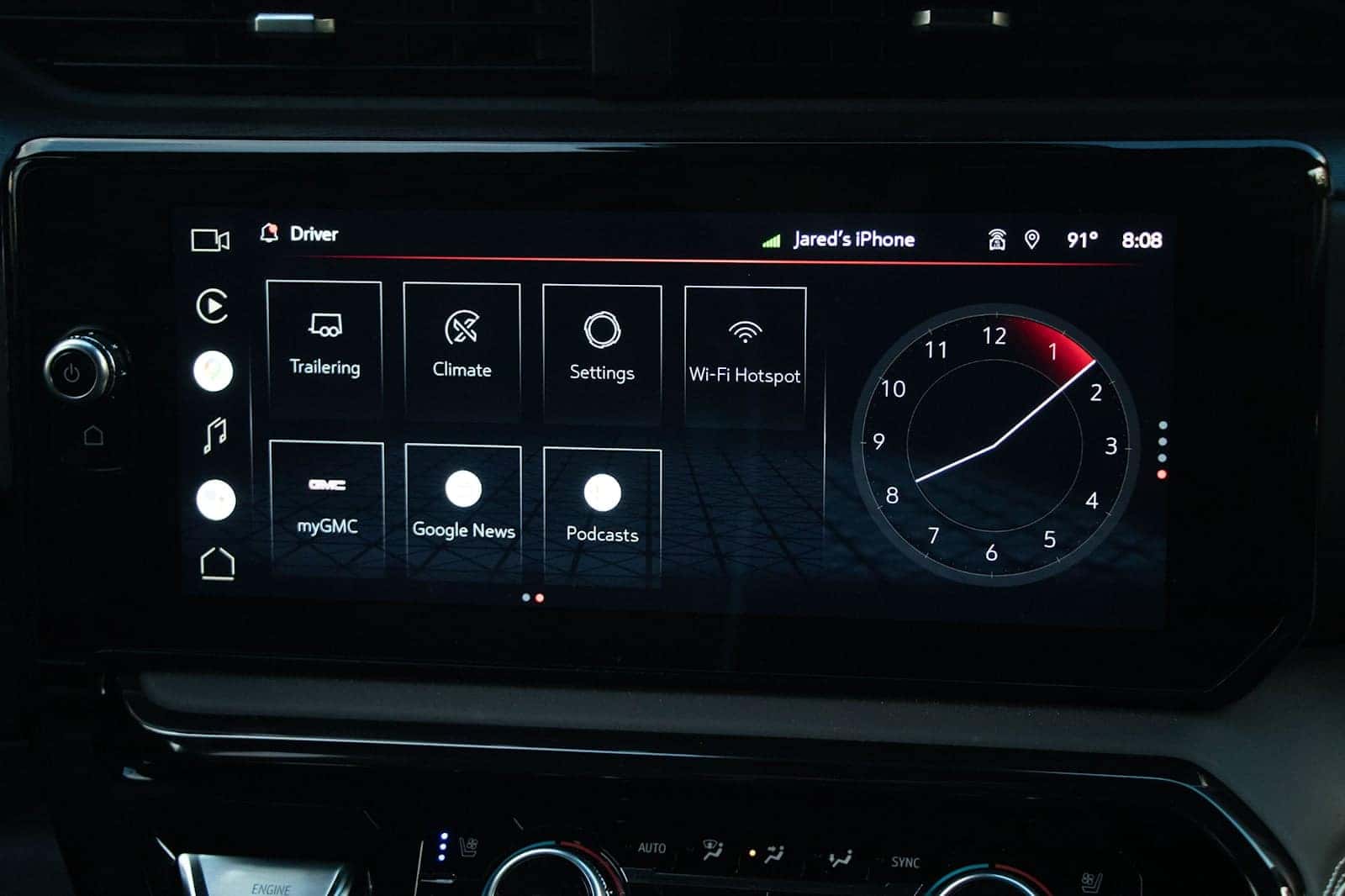
The right steering wheel rotary control scrolls through vehicle information displays on the center of your gauge cluster. You select these displays by choosing Settings and then Information Display settings. There you will see a long list of items ranging from fuel range to brake pad life that you can individually choose to appear on your center display.
One Driver’s Convenience is another Annoyance
There are small details in the way your truck operates that you may not know you can change by going to Settings → Vehicle → Comfort & Convenience. Examples include:
- Buckle to shift – Prevents you from shifting to Drive if your seatbelt is not buckled. It is a helpful reminder, but if you are in a situation where you regularly move your truck, just a few yards at a time, you may want to disable this.
- Mirror Reverse Tilt – This is useful if you regularly park your truck by the curb, or back into parking spaces. You can choose to enable or disable just the passenger side, driver side, or both.
- Automatic Folding Side Mirrors – When enabled, the mirrors will automatically fold in when the vehicle is shut off, keeping them from being a hindrance and possibly bumped in a tight spot. Most people find it useful, but if you don’t, you can disable it.
- Rain Sensing Wipers – A sensor watches the windshield for raindrops and automatically engages the wipers when it detects them. If you would rather control this yourself, you can disable this.
- Remote Window Operation – This is a handy feature that lets you air out your vehicle after being parked in the sun before getting in. This can be disabled if desired.
- Remote left in vehicle – If you leave your remote in the car it will alert you. A useful feature but in some circumstances, it may make more of an annoyance, so it can be disabled.
- Remote Removed from Vehicle – If you walk away from your truck with the remote while the engine is running it will alert you. If this is something you need to do often, this can be disabled.
GMC engineers worked hard to build a truck that can serve your needs and desires no matter the manner. It pays to spend some time flipping through all the sections within the Settings menu and if you run across something you don’t know, don’t hesitate to ask our Penz GMC Certified Sales Personnel about it. Of course, if your truck doesn’t have one of these features and you want one that does, Penz GMC sales staff and Finance Department can help you with that as well.
0 comment(s) so far on Hidden Features on Your GMC Sierra 1500 Denali